If you’re searching for “MyChart Shannon,” you’re most likely trying to log in to your patient portal with Shannon Health System in San Angelo, Texas, or you’re looking to set up an account for the first time. This guide walks through what the portal offers, how to get access, and what to do if you run into common problems — so you can get to your health information quickly.
What Is MyChart Shannon?
MyChart is the patient portal platform used by Shannon Health System. It’s built on Epic Systems’ MyChart software — the same underlying technology used by many hospital systems nationwide, though each health system runs its own separate, branded version. Shannon’s version is accessed at ShannonMyChart.com.
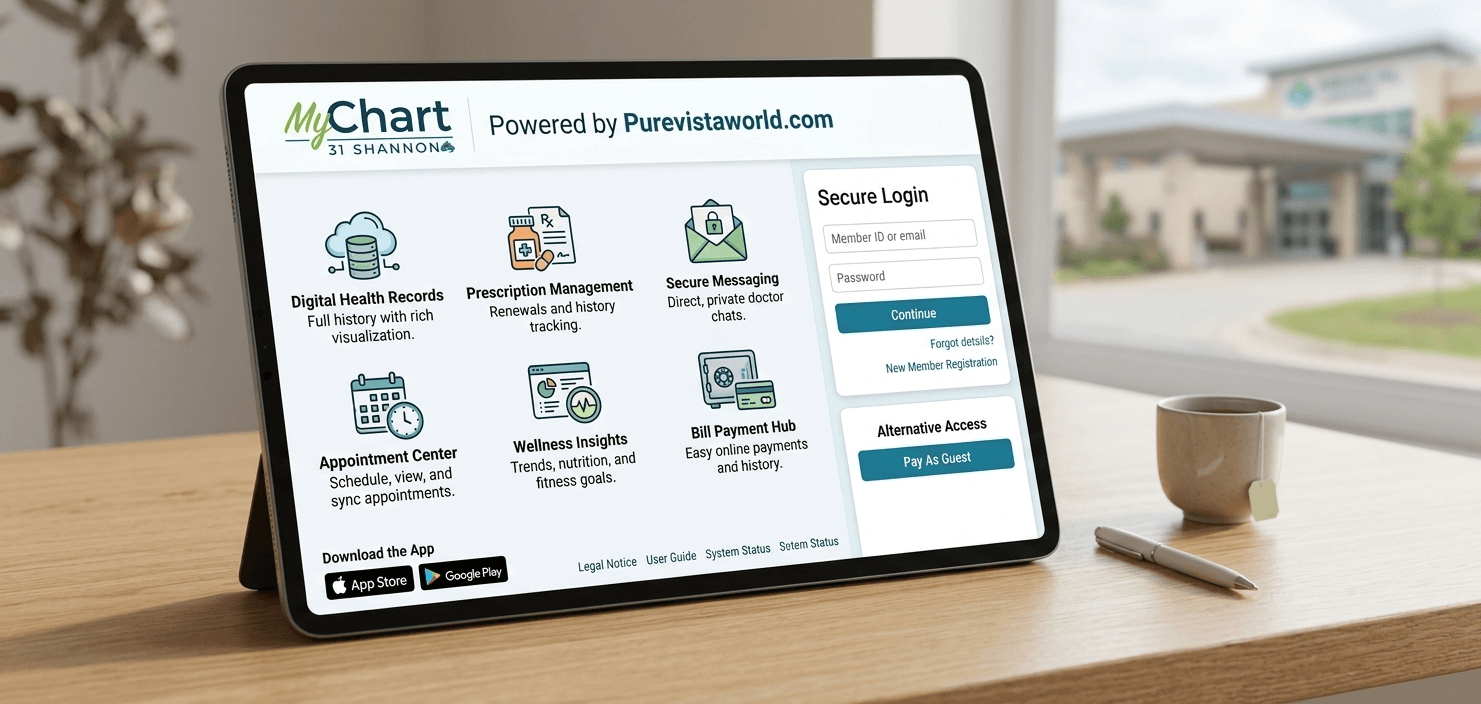
Through the portal, patients can typically:
- View test results and visit summaries
- Send secure messages to their care team
- Request prescription refills
- Review upcoming and past appointments
- Access billing information
- Share COVID-19 vaccination records
- Manage proxy access for a family member’s account
One detail worth knowing upfront: MyChart Shannon only includes information from visits dated after October 7, 2017. If you need records from before that date, they’re stored in a separate system (RelayHealth), and you’ll need to request them directly rather than expecting to find them in MyChart.
How to Log In to MyChart Shannon
If you already have an account, go to ShannonMyChart.com and sign in with your existing username and password. If you’ve forgotten either, the login page has standard “Forgotten Username” and “Forgotten Password” recovery options — you’ll typically need to verify your identity with information on file, such as your date of birth or an email/phone number linked to the account.
For patients who prefer using a phone or tablet, the MyChart Mobile app is available on both the App Store and Google Play. Once installed, you can search for and select “Shannon” (or your specific Shannon Health location) as your healthcare organization during setup, then log in with the same credentials you use on the website.
How to Sign Up for a New Account
New patients have two main paths to enrollment:
1. Use an activation code. If you’ve recently had a visit, Shannon Health typically provides an activation code either at checkout or printed on your after-visit summary. This code links your new MyChart account directly to your existing medical record, so your history populates automatically once you register.
2. Sign up without a code. If you don’t have an activation code, you can still go to ShannonMyChart.com and select “Sign Up Now” to begin registration. Depending on your situation, you may need to verify your identity through alternate means, such as answering security questions tied to your record.
Registration generally involves entering your personal information, confirming your identity, and choosing a username and password. Once that’s done, your account is active and ready to use.
Setting Up Access for a Teen or Family Member (Proxy Access)
MyChart Shannon supports proxy access, which allows one person to view another person’s account — most commonly a parent managing a child’s health information, or an adult child helping an aging parent.
There’s an important rule specific to teenagers: for patients between the ages of 14 and 17, Shannon Health requires a signed teen consent form before a parent or legal guardian is granted proxy access to that teen’s MyChart account. This reflects a broader healthcare privacy standard — as young patients gain the legal right to certain confidential care, portals adjust how much a parent can automatically see. If your family includes a teen in this age range, expect to complete that consent step, either through Shannon’s Medical Records team or the form provided on the patient portal section of their website.
Common Issues and How to Handle Them
“I never got an activation code.”
Not everyone receives one automatically, especially if it wasn’t offered at your last visit or you haven’t been seen recently. In that case, use the direct sign-up option on ShannonMyChart.com rather than waiting for a code that may not come.
“My account says information is missing.”
Remember the October 7, 2017 cutoff mentioned above. If you’re looking for older test results or visit notes, MyChart isn’t the right place — you’ll need to request those records separately.
“I can’t remember which portal I registered with.”
This trips up a lot of patients because MyChart is shared branding across hundreds of unrelated health systems. If you’ve received care from more than one hospital network, you may have multiple separate MyChart accounts (one per system) that don’t share data. Make sure you’re specifically on ShannonMyChart.com or searching for “Shannon” within the mobile app, not a different organization’s portal.
“I need help beyond what the website offers.”
Shannon Health provides direct support for MyChart-related issues by phone at 325.747.8810, or by email at mychart@shannonhealth.org.
Is MyChart Shannon Secure?
MyChart platforms, including Shannon’s, use encrypted connections and require individual login credentials, which is standard for HIPAA-compliant patient portals. As with any health account, the practical security steps that matter most are on your end: use a unique password, avoid saving login credentials on shared or public devices, and log out of the mobile app rather than just closing it, especially if you use proxy access for a family member’s account on the same phone.
Frequently Asked Questions
Is MyChart Shannon the same as MyChart at other hospitals?
No. MyChart is a shared software platform, but each health system — including Shannon Health — maintains its own separate patient database. An account with another provider’s MyChart will not give you access to your Shannon records, and vice versa.
Can I use MyChart Shannon to request a prescription refill?
Yes, prescription refill requests are a standard feature of the portal once your account is active and linked to your prescribing provider.
Do I need an activation code to sign up?
No. An activation code speeds up registration by linking your account to existing records, but Shannon Health also allows direct sign-up through ShannonMyChart.com for patients without one.
What if I only need records from before 2017?
Those aren’t stored in MyChart. Shannon directs patients to RelayHealth or a records request through their Medical Records department instead.
Conclusion
MyChart Shannon is meant to make routine parts of your care — checking results, messaging your provider, refilling medications — something you can handle in a few minutes rather than a phone call. Whether you’re signing up for the first time, setting up proxy access for a teen, or just trying to recover a forgotten password, the steps above cover the situations most patients run into. If something still isn’t working, Shannon Health’s mychart support line is the fastest way to get a real answer.