If you searched for “SchoolPass,” you’re probably a school administrator, IT director, or parent trying to understand what this platform actually does — and whether it’s worth adopting or already in use at your child’s school. This guide covers what SchoolPass is, how its core features work, what changed after its 2023 acquisition, and what to weigh before recommending it to your school.
What Is SchoolPass?
SchoolPass is a cloud-based software platform built for K-12 schools that manages campus arrival, dismissal, attendance, visitor screening, and emergency response. Instead of relying on walkie-talkies, PA announcements, and paper sign-in sheets, schools use SchoolPass to automate the daily flow of students, parents, staff, and visitors on and off campus.
The company was founded in 2008 by Mark Ruiters, a former IBM system architect who built an early version of the system to solve dismissal chaos at his children’s school in Rockville, Maryland. That original goal — making afternoon pickup faster and quieter — is still the core of the product, even though it has since expanded into attendance tracking, visitor management, and emergency accountability.
In April 2023, SchoolPass was acquired by Raptor Technologies, a larger school safety software company backed by private equity firms Thoma Bravo and JMI Equity. Ruiters joined Raptor as chief strategy officer. This matters for anyone researching the product today: SchoolPass now operates as part of a bigger safety suite, alongside Raptor’s other tools for visitor management and emergency alerts, rather than as a standalone independent company.
Core Features
Carline and dismissal automation. This is SchoolPass’s original and most widely used feature. Parents check in from their phone or a scanned tag as they approach campus, and the system notifies the right classroom that a student’s ride has arrived. This replaces manual radio calls and reduces the time students spend waiting in a car line.
Attendance automation. SchoolPass tracks daily or per-period attendance and syncs it with front-office and teacher workflows, so absences, late arrivals, and early dismissals are logged in one place instead of scattered across notes and phone calls.
Visitor management. Front-desk staff can screen and log visitors in real time, which helps schools know exactly who is on campus at any given moment.
Emergency attendance. During a lockdown, evacuation, or other emergency, staff can take real-time headcounts and flag missing students faster than with a traditional paper roster.
Bus and activity tracking. Schools can manage bus route changes, after-school activity rosters, and playdate or pickup changes submitted directly by parents through the SchoolPass app.
PowerSchool integration. SchoolPass syncs with PowerSchool, a widely used student information system, so student and parent records don’t have to be entered twice.
How It Works in Practice
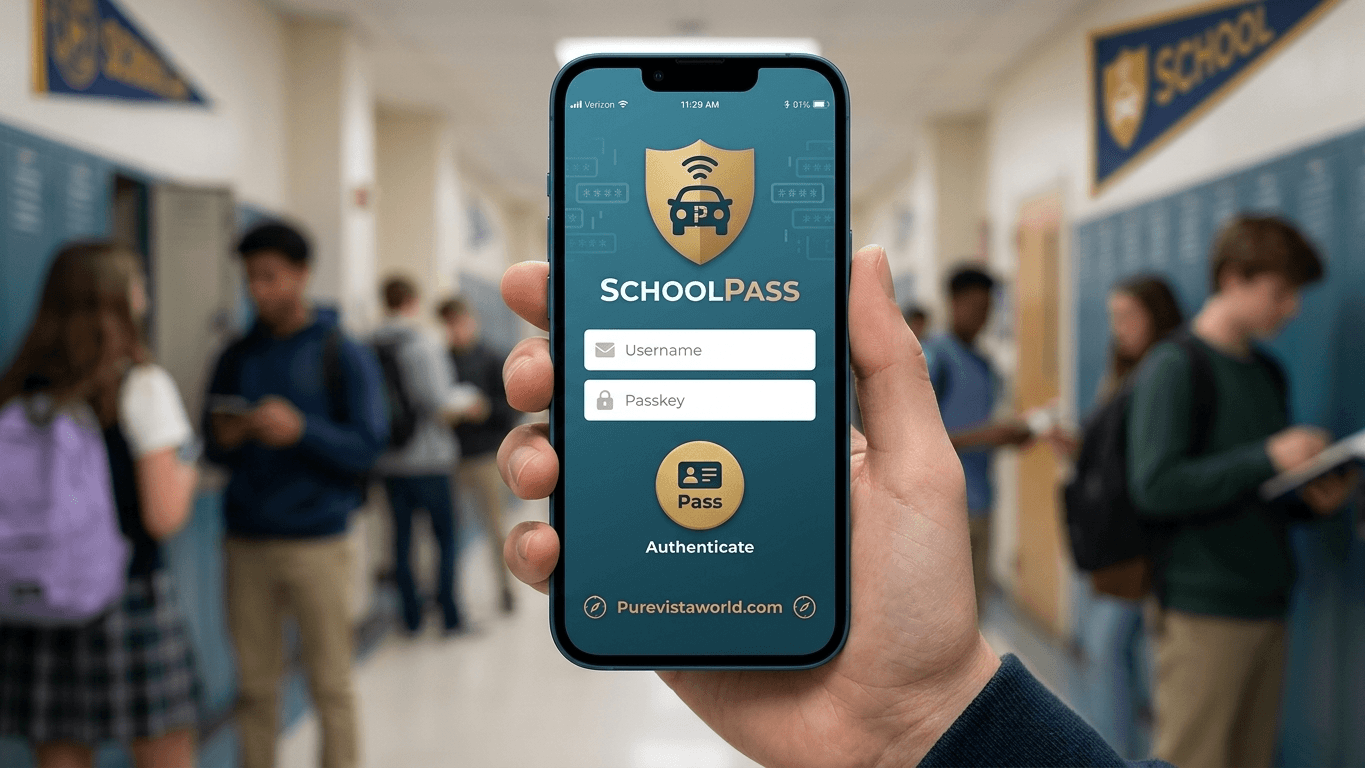
A typical dismissal flow looks like this: a parent opens the SchoolPass app or uses an in-car tag as they enter the pickup zone. The system identifies the vehicle or check-in, and a staff member or automated alert notifies the classroom that the student should head to the pickup area. Multiple children in one family, temporary changes (“grandma is picking up today instead”), and last-minute schedule swaps are all handled through the app rather than a phone call to the office.
For attendance, teachers or the front office mark students present, absent, or late directly in the system, and that data can sync with the school’s existing student information system rather than living in a separate spreadsheet.
Benefits
- Reduces the staff time needed to manage dismissal — some schools using SchoolPass have reported cutting the number of employees dedicated to carpool coordination.
- Cuts down on front-office phone calls for same-day schedule changes, since parents can submit updates directly through the app.
- Gives administrators a real-time view of who is on campus, which is useful both day-to-day and during emergencies.
- Integrates with PowerSchool, reducing duplicate data entry for schools already using that system.
Limitations and Considerations
No platform is a perfect fit for every school, and a few things are worth knowing before adopting SchoolPass:
- Learning curve. Some users report that staff and parents need time to adjust to the app, and that early setup requires real training rather than a quick walkthrough.
- Post-acquisition changes. Since Raptor’s 2023 acquisition, some longtime users have noted slower responsiveness on bug fixes and support requests compared to when SchoolPass operated independently. This is a common pattern after software acquisitions and worth asking about directly during a sales conversation.
- Edge-case scenarios. A few reviewers mention friction with less common situations, such as siblings with different dismissal plans on the same day, or delays in a student’s pickup status updating on a teacher’s screen.
- Pricing isn’t public. SchoolPass does not publish standard pricing, and third-party listings show only a nominal “starting price” that isn’t representative of what a full school deployment costs. Schools should request a direct quote based on enrollment size and which modules (carline, attendance, visitor management, etc.) they actually need.
- Best suited to K-12 day schools. The core value proposition — carline and dismissal automation — is most relevant to schools with car-based pickup, so the return on investment looks different for schools that are mostly bus-based or don’t have a traditional carline.
Who SchoolPass Is Built For
SchoolPass is aimed at K-12 private, charter, and public schools that want to consolidate arrival, dismissal, attendance, and visitor safety into one system rather than juggling separate tools for each. It’s a particularly common fit for schools with a heavy carline operation, multiple campus entry points, or a front office that’s overwhelmed by daily schedule-change phone calls.
It’s less of a fit for schools looking only for a single narrow tool — for example, a school that just wants a digital hall pass system or only needs visitor sign-in would likely find SchoolPass more comprehensive (and more expensive) than necessary.
Frequently Asked Questions
Is SchoolPass free?
No. SchoolPass is a paid SaaS platform for schools, and pricing depends on enrollment and which features a school selects. It is not intended for individual or personal use.
Is SchoolPass still an independent company?
No. Raptor Technologies acquired SchoolPass in April 2023, and it now operates as part of Raptor’s broader school safety software portfolio.
Does SchoolPass work with PowerSchool?
Yes. SchoolPass offers a direct integration with PowerSchool to sync student and attendance data between the two systems.
Can parents use SchoolPass without downloading an app?
Most day-to-day interactions, like reporting a pickup change, happen through the SchoolPass app, though schools generally also retain some manual override options at the front office for parents who aren’t using the app.
Bottom Line
SchoolPass is a mature, purpose-built platform for automating dismissal, attendance, and campus safety at K-12 schools, with real staff-time savings reported by long-term users. The main things to verify before committing are current post-acquisition support quality, how the platform handles your school’s specific edge cases (like split-custody dismissal plans), and a concrete pricing quote for your enrollment size — since none of that is standardized or published.